
The Start node is the fundamental anchor of every ezActions automation. It is automatically placed on your canvas whenever you create a new workflow.
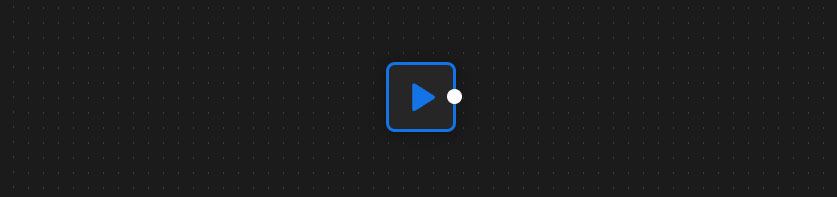
Important: Because it is the absolute starting point of the system, this node cannot be deleted, nor can it be manually added from the Node Library sidebar.
Key Functions
- The Trigger: This node houses the main “Run” button (the blue play icon). Clicking this button initiates your entire workflow. While the automation is actively processing, the button transforms into a loading spinner.
- Security & License Check: The very first thing this node does when clicked is securely verify your license status before allowing the execution to proceed.
- Workspace Snapshot: Under the hood, the moment you press play, the Start node captures a “snapshot” of your current Photoshop workspace. It registers the active document’s name, dimensions, color mode, and the currently selected layer, making this critical context available to all subsequent nodes in your chain.
How to connect it
Because it is the absolute beginning of your automation sequence, the Start node has zero input ports on its left side and exactly one output port on its right side.
You must connect this output port to the very first operational step of your workflow (for example, a For Each node, a Select File node, or an Actions node).